system_audio_meter
system_audio_meter is a Flutter desktop plugin for real-time audio level visualization.
It exposes normalized stereo peak levels for:
- system output audio
- microphone and other input devices
- device connection and disconnection events
- optional silence transition events for input and output
The plugin is designed for desktop visualization, not audio production tooling. It processes audio in memory only, emits lightweight metering values to Flutter, and releases native buffers immediately after each calculation pass.
Key capabilities
- Real-time stereo peak meters for desktop Flutter apps
- Output device enumeration and selection
- Input device enumeration and selection
- Device lifecycle events for reconnect-aware UIs
- Optional per-flow silence detection with configurable threshold and duration
- Native Windows backend using WASAPI
- Native macOS backend using Core Audio taps for output and CoreAudio capture for input
What this plugin does not do
This plugin is intentionally narrow in scope:
- It does not record audio.
- It does not store audio buffers.
- It does not generate FFT data.
- It does not generate waveforms.
- It does not persist audio to disk.
- It is not an audio editor, recorder, or analyzer pipeline.
Instead, it:
- processes audio in memory only
- calculates peak meter values from the current buffer
- releases native buffers immediately after processing
- focuses on real-time UI visualization
Platform support
| Platform | Status | Notes |
|---|---|---|
| Windows | Supported | WASAPI loopback for output, WASAPI capture for input |
| macOS | Supported | Core Audio taps for output, CoreAudio capture for input, macOS 14.2+ |
| Linux | Pending | Planned for a future PulseAudio/PipeWire backend |
Typical use cases
- Desktop volume visualizers
- Voice chat overlays
- Streaming dashboards
- System monitor utilities
- Audio-reactive desktop UI
- Device-aware metering panels
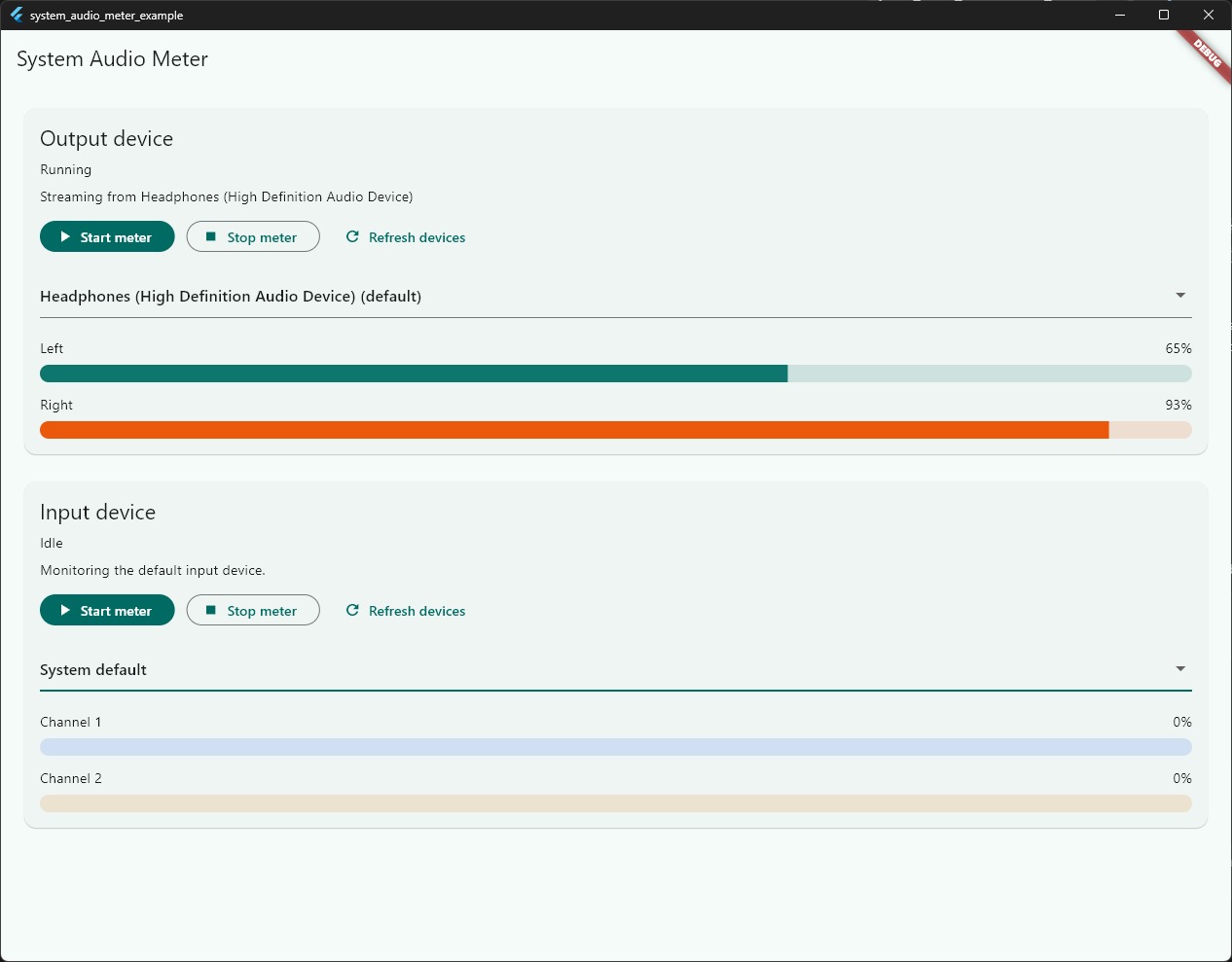
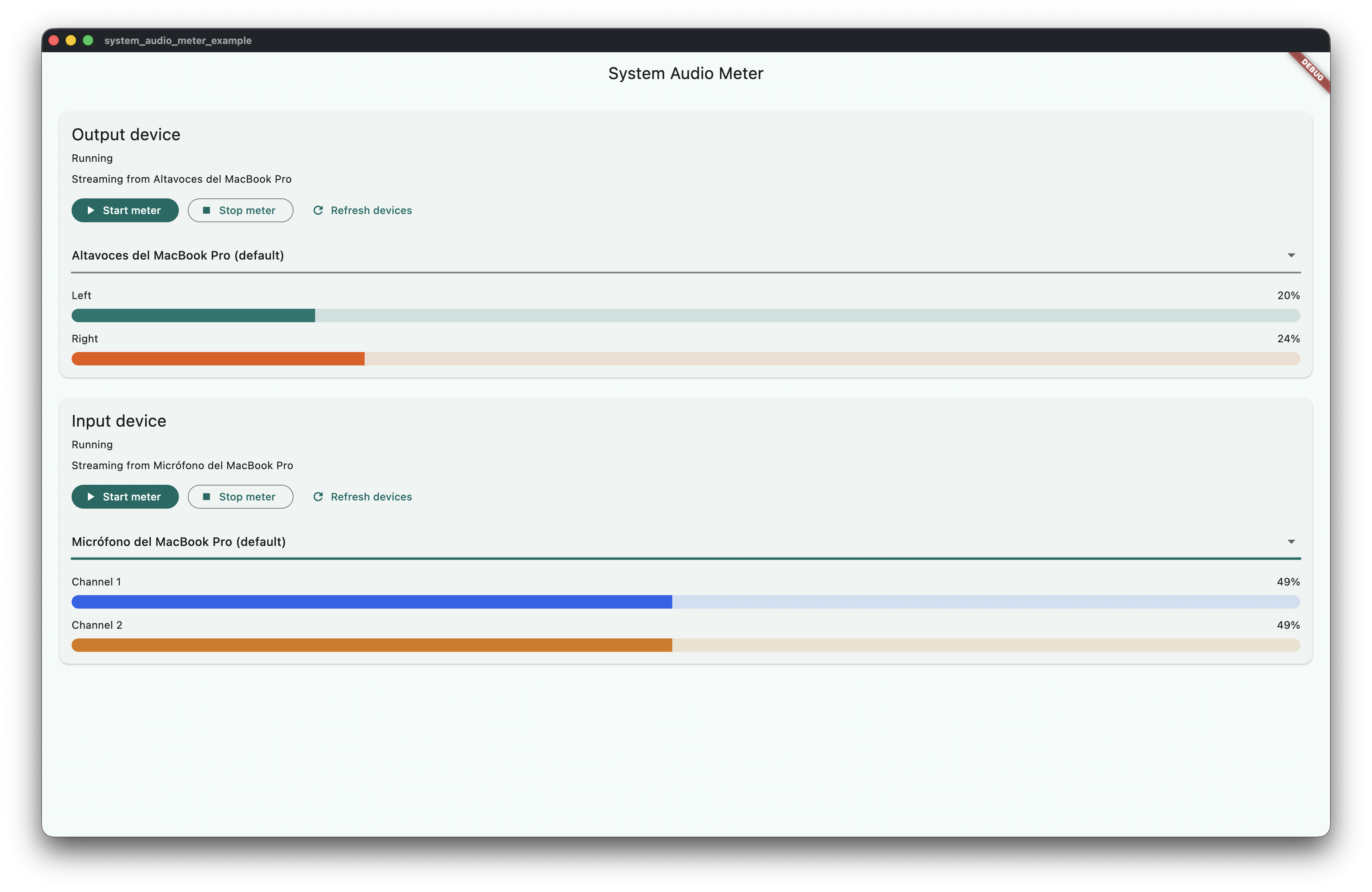
Screenshots
Windows
macOS
Architecture at a glance
flowchart LR
    A["Flutter UI"] --> B["Dart API"]
    B --> C["MethodChannel"]
    B --> D["EventChannel"]
    C --> E["Native backend"]
    D --> E
    E --> F["Windows: WASAPI"]
    E --> G["macOS: Core Audio"]
    F --> H["Peak calculation"]
    G --> H
    H --> I["Stereo level events"]
    I --> A